-
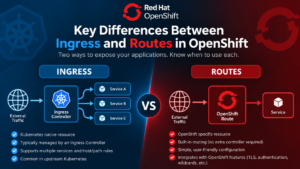
Key Differences Between Ingress and Routes in OpenShift
Read more: Key Differences Between Ingress and Routes in OpenShiftIn OpenShift, the purpose of creating Ingress and Routes revolves around exposing services running within the cluster to the outside…
-
IBM QRadar Data Synchronization App
Read more: IBM QRadar Data Synchronization AppThe IBM Security QRadar Data Synchronization Application is a Data Resiliency solution that helps organizations improve IT resiliency and disaster recovery…
-
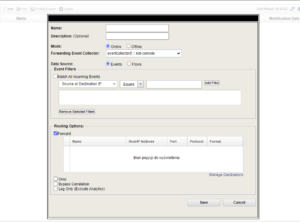
QRadar’s Routing Rules
Read more: QRadar’s Routing RulesUnderstanding Routing Rules in IBM QRadar As the volume of security data collected by IBM QRadar grows, efficiently controlling how…
-
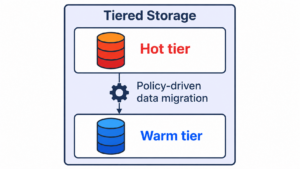
QRadar 7.5.0 UP14 release and exciting new features
Read more: QRadar 7.5.0 UP14 release and exciting new featuresIn early October 2025, IBM released IBM Security QRadar 7.5.0 patch UP14 to the public and made it available for…
-
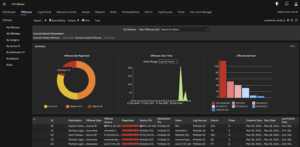
QRadar 7.5.0 UP13: Great New Features but Frustrating Infographic Controversies
Read more: QRadar 7.5.0 UP13: Great New Features but Frustrating Infographic ControversiesIn August 2025, a new patch for QRadar 7.5.0, Update Package 13 (UP13), was published. You can find the official…
-
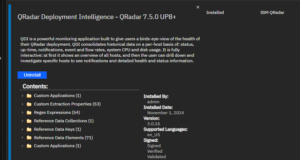
QDI app 3.0.15 release
Read more: QDI app 3.0.15 releaseIBM’s QRadar is a leading Security Information and Event Management (SIEM) solution that helps organizations manage, analyze, and respond to…
-
New QRadar 7.5.0 UP10 is published
Read more: New QRadar 7.5.0 UP10 is publishedA new version of QRadar 7.5.0 UP10 was published on 14 October 2024, bringing many new features, which I will…
-
QRadar upgrade – Parallel upgrade vs. Patch all
Read more: QRadar upgrade – Parallel upgrade vs. Patch allThere are two methods commonly used for the QRadar upgrade. These methods apply to the distributed deployment only but not…

-
Add new DNS servers to QRadar
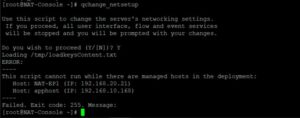
Read more: Add new DNS servers to QRadarThere is a common problem with how to add new DNS servers to QRadar if you need to change them.…
-
An open offense can be inactive in the Backend
Read more: An open offense can be inactive in the BackendAn open offense can be inactive in the Backend if there are no new events that arrived for at least…