
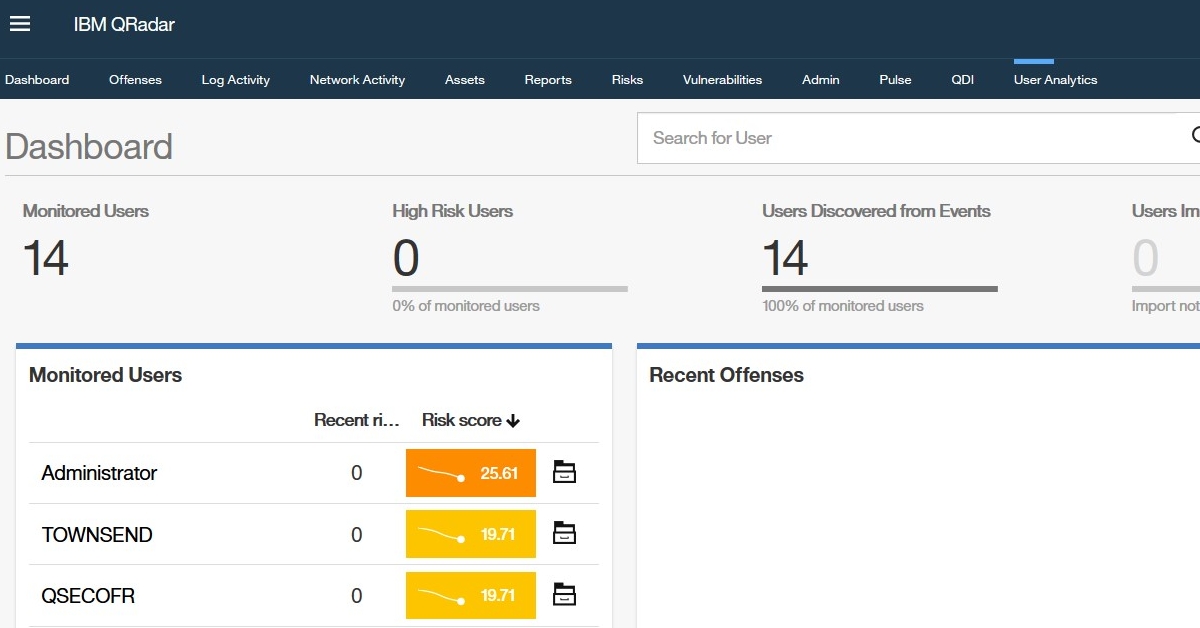
We’re excited to announce that a new version of the UBA extension for QRadar is coming soon. The new version, 3.6, will bring several new features, including one customers have overlooked: Multi-Tenancy support.
To use this new QRadar feature, the software installation must be updated to at least version 7.4.0 FP1, and QRadar App Assistant version 3.0 is also required. The QAA app is needed to install tenant instances.
For Multi-Tenant installation, we will need to create multiple new IBM Sense Log Sources for each domain (we currently have only one Sense Log Source) and configure Multi-Tenancy, as this is available in QRadar (with at least one tenant in each Domain).
In addition, the new UBA will need a QR Admin account responsible for setup and able to view and modify all UBA accounts and domains. This user will install and configure Machine Learning for every UBA instance, although it will not have its own ML installation. Currently, the installed ML should be uninstalled and a new instance deployed for each tenant.
A user with Tenant Admin privileges can view and make changes to the specific tenant UBA, as well as create custom models in Machine Learning or manage the UBA instance.
Due to a current limitation in QRadar architecture (only one Custom Rule Engine), rules are system-specific and not limited to a single domain. Nevertheless you can easily duplicate existing rules and add additional condition “when the domain is one of the following…” which separate rules for each Domains. For Reference Sets, a similar approach is possible, and they can be domain-specific.
We’ll also add new features to UBA 3.6, like new rules for Office 365, importing user lists from CSV files, and new Dashboard Filters to help admins with day-to-day work in this QRadar extension.