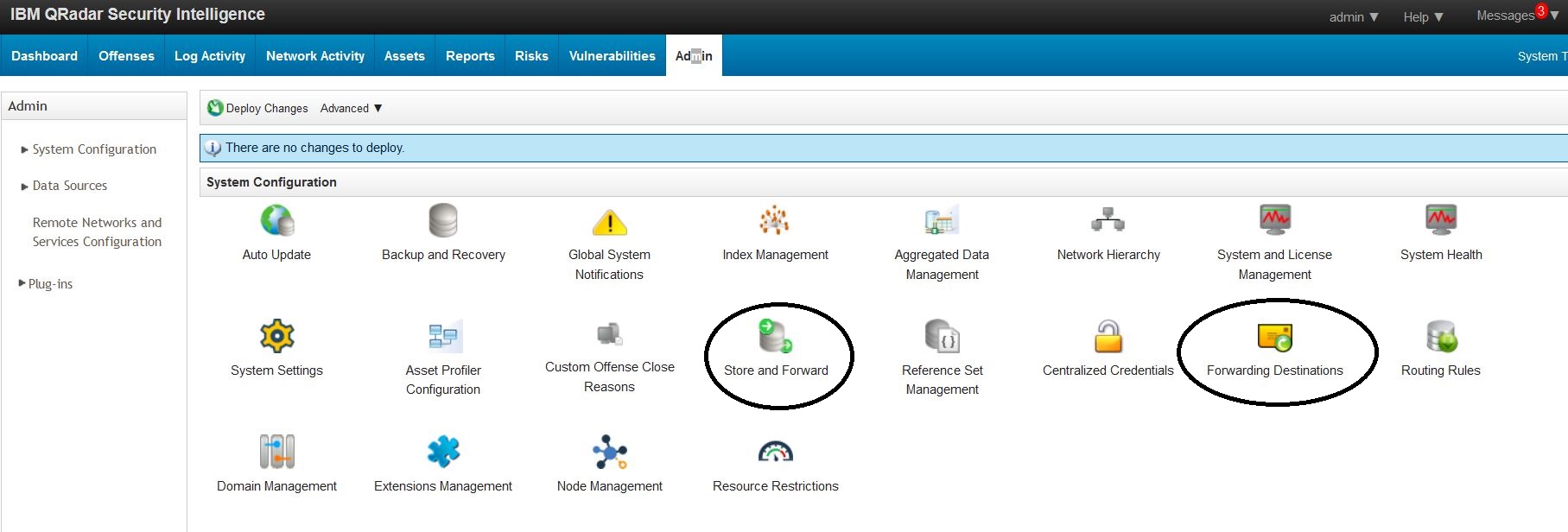
There are two options for routing data in QRadar:
Online:
Forwarding takes place during the QRadar event pipeline as part of the ECS-EC (event correlation service – event collection) process.
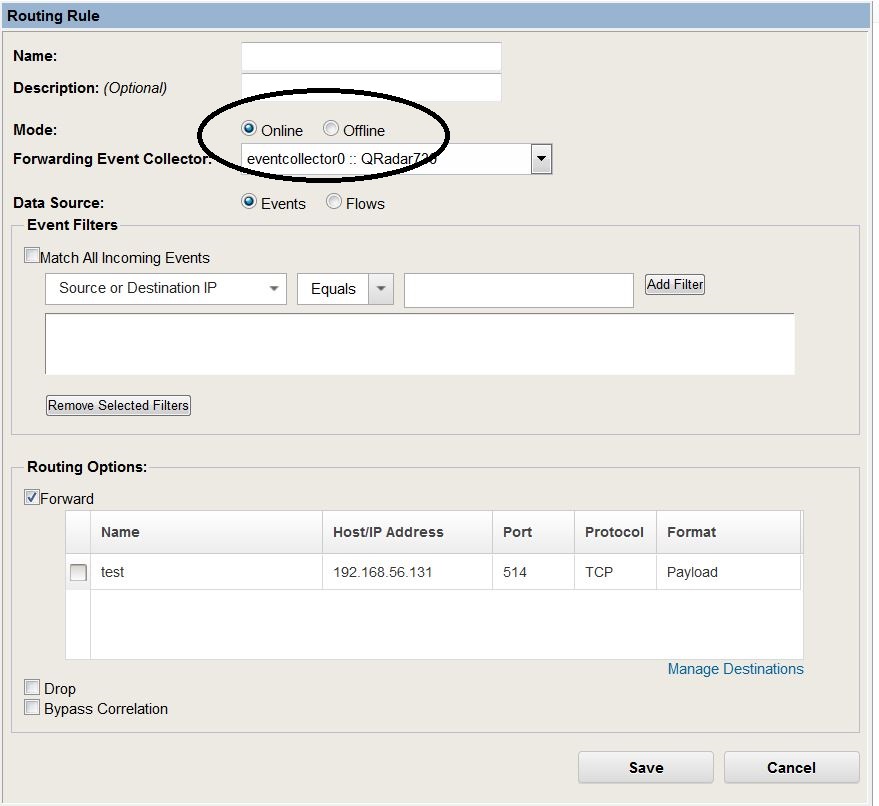
It can be described as real-time streaming of data as it moves through the event pipeline; the Event Forwarding process in ECS-EC routes data live to the destination address. This is a best-effort forwarding; if the destination is not listening or the connection is offline, then QRadar sends the data stream and expects the other side to be present to receive the communication.
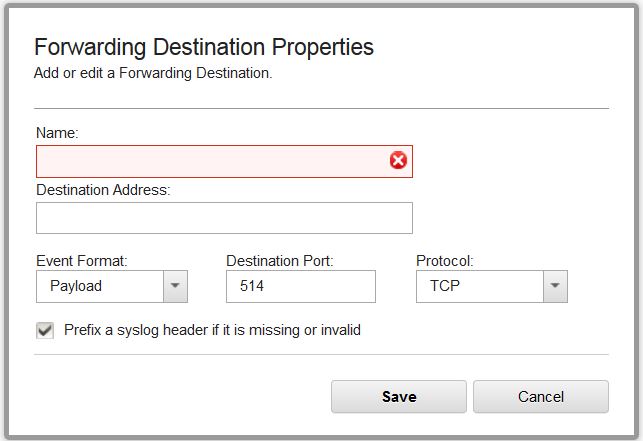
In online mode, data loss is possible when the forwarding destination is unreachable because streaming data off the appliance to a Syslog system, another SIEM, etc., is provided as-is, without protection. If the remote destination has no active listener for the Syslog stream or the network is down, then the data will not be received. In this case, the remote system would not receive the data; however, a copy of what is written to Ariel would still be available unless Drop was also selected. You can send data to a forwarding destination and to Event Processor for storage and processing. As data moves through the ECS pipeline on the appliance, SEND lets you select data from the event pipeline and forward it to a unique destination. The data you select is copied, meaning that the existing data continues through the QRadar event pipeline and a copy of the data matching the routing rule is forwarded off the appliance.
When you select DROP, the event pipeline drops the matching data at the “Event Forwarding / Routing” stage, which is the last step in ECS-EC. Dropped data will never reach the CRE because it is dropped before we enter ECS-EP, where the first process is the CRE (Custom Rules Engine).
As data moves through the event pipeline, data matching the routing-rule filter is forwarded to the off-site destination (in theory, another SIEM or Big Data system for correlation). The data continues through the ECS pipeline, but we don’t want to generate an offense based on data we just sent to the Off-site destination, so the ECS pipeline flags that result to skip rule correlation in QRadar.
Offline:
QRadar delivers data about 1 minute behind, and it keeps track of where it was in case the link/destination goes down. It can pick up where it left off to make sure all data makes it through. This is sent through a different process that reads the raw ariel data files off disk as they become available. Data nodes will also send data if offline forwarding is in use.
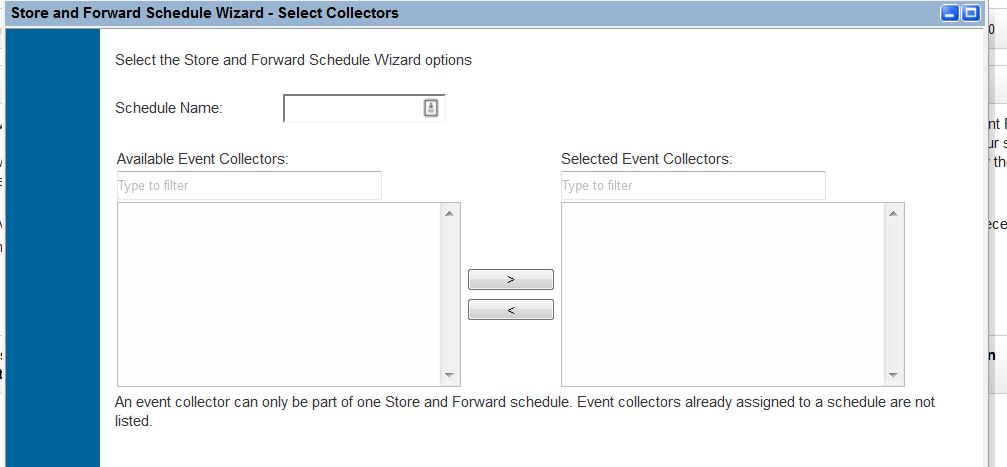
This data is not streamed; it is event forwarding done via storage. When you select Offline, a process called the “Offline Forwarder” works with the Ariel reader to retrieve events from disk after they are written to storage and decide what data to forward.
This process checks for a connection to the destination at startup, checks where the last successful data was sent (using bookmarks), and forwards the results to the remote destination. This data is always at least 1 minute behind, as Ariel writes data to disk in 1-minute intervals. As data is forwarded, Ariel creates a flat-file “bookmark” in /store/offline forwarder for either events or flow data to show the timestamp and the next file to read, based on the last successful file sent to the destination. If for some reason the bookmark files are missing, Ariel Reader will create a new starting point 2 minutes behind the current timestamp to use as a start time.
Because offline mode exists after data is written to disk and only occurs after the event pipeline is complete, Drop and Bypass correlation are not available in Offline Mode. The drop function occurs during “Event Forwarding/Routing,” and CRE bypass is part of the ECS pipeline; by the time you are talking about offline forwarding, you’re already beyond the pipeline.