
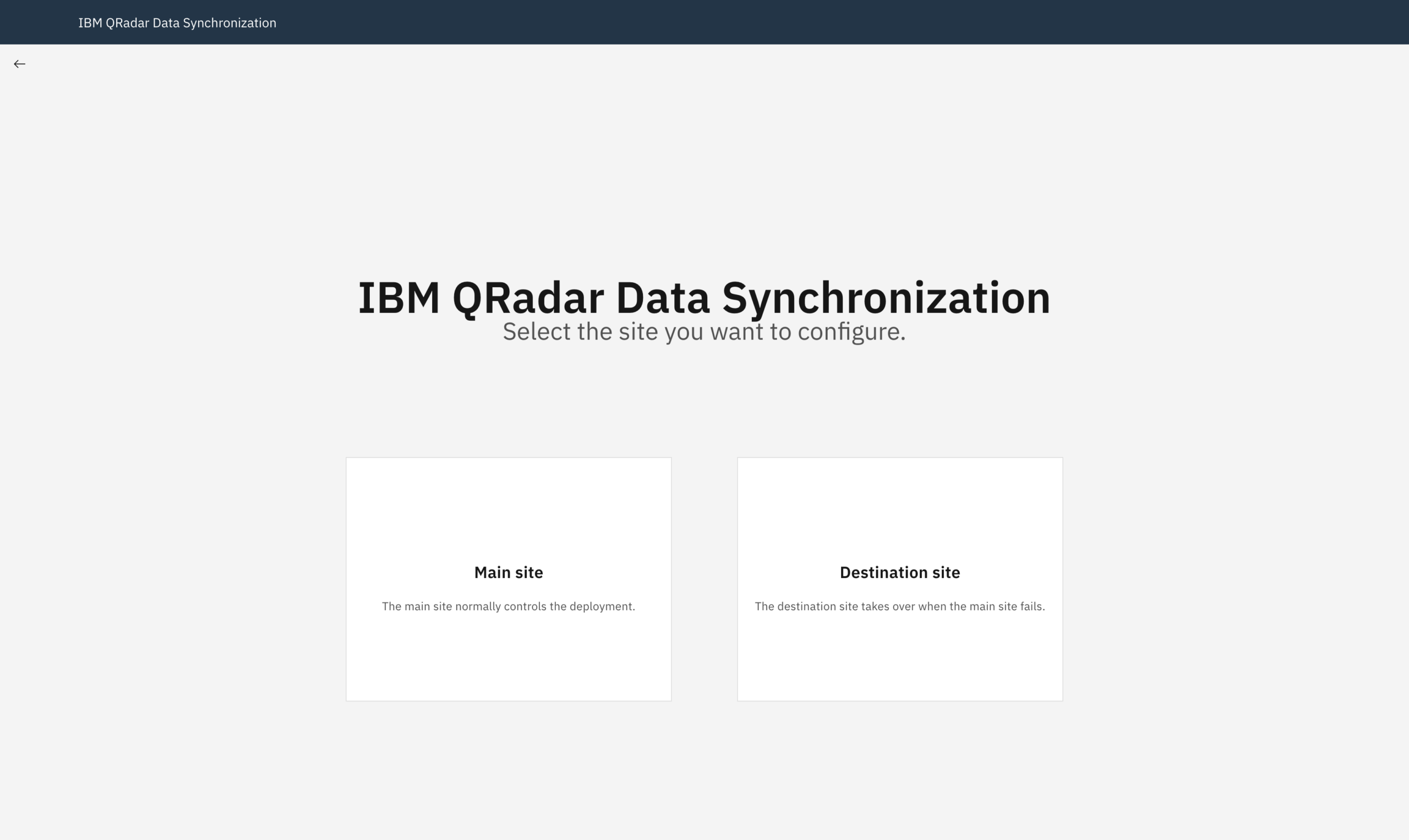
The IBM Security QRadar Data Synchronization Application is a Data Resiliency solution that helps organizations improve IT resiliency and disaster recovery capabilities. The IBM Security QRadar Data Synchronization Application allows users to map deployments between the main and destination QRadar deployments and easily copy data (Events and Flows) and configuration files between the main and destination QRadar deployments, and vice versa. The solution allows users to easily manage which deployment is active in case of a disaster, human error, or to test data resiliency.
Important: The IBM QRadar Data Synchronization solution is a paid-for service. To be within IBM license compliance and for the IBM QRadar Data Synchronization application to be effective, you must purchase a QRadar Data Sync License(s).
A SIEM outage creates two problems for a security operations team: incoming activity may stop being analyzed, and the historical evidence needed for investigations may become unavailable. A useful disaster recovery design must address both.
Customers have self-developed DC/DR solutions that are not supported, such as manipulating iptables to redirect incoming data between DC and DR sites, while offline Routing Rules were transferring data to their sibling site and others. https://www.ibm.com/support/pages/node/6428219
These solutions were prone to problems during so-called “DR drills.” For this purpose, the IBM developers built a natively supported solution using the Python app for data synchronization.
The IBM QRadar Data Synchronization app supports recovery by maintaining data at a destination deployment and providing workflows for transferring operations between sites. IBM positions it as a licensed disaster recovery capability; downloading the app does not, by itself, provide the required entitlement. IBM product documentation
For administrators, the key questions are practical: what is copied, what must be restored, how fresh logs will reach the recovery environment, and how operations will return to the main site.
How the app works
In the mirrored deployment model, the main site handles normal operations while the destination provides recovery capacity. The app pairs hosts across the deployments and copies Ariel event and flow data between them.
IBM describes an initial synchronization starting from a selected historical point, followed by recurring copies of newly collected data. The destination’s collection and processing services are suppressed during normal operation and activated when that site takes over. This distinguishes between having historical data available and actively processing incoming traffic. IBM’s introduction to the app
That introduction describes the original release. It helps explain the architecture, but its compatibility restrictions should not be treated as a current support matrix.
Choose the recovery model first
IBM documents mirrored environments alongside Console-only and hybrid recovery workflows. These models should have separate runbooks because they protect different parts of a deployment.
For a deployment configured with 1:1 mapping, required hosts must have valid counterparts. IBM identifies missing mappings as a cause of automatic configuration restore failures. A destination Console alone does not satisfy the mapping requirements of that design. IBM troubleshooting guidance
Console-only recovery instead includes restoring Console configuration and rehoming managed hosts. IBM’s Console-only walkthrough also describes additional application recovery work, including cases where applications must be reinstalled. Those dependencies belong in the recovery plan. IBM Console-only failover and failback walkthrough
The design question is therefore: which systems must survive the failure scenario? If the failure removes the processors and their storage as well as the Console, a plan that depends on those processors remaining available will not cover the outage.
Separate data, configuration, and application recovery
Treat recovery readiness as three separate checks.
| Area | What to establish before a recovery exercise |
|---|---|
| Ariel events and flows | Required hosts are paired, copies complete, and the expected historical period is available. |
| QRadar configuration | The configuration backup and restore workflow succeeds, and it covers the required configuration items. |
| Applications and integrations | Each required application has a documented installation, data recovery, and connectivity procedure. |
IBM describes configuration synchronization as using limited configuration restore functionality. Avoid interpreting an Ariel synchronization status as proof that every configuration item, offense workflow, reference data dependency, and application database is ready. Verify the documented restore scope against the services your SOC actually uses. IBM configuration synchronization documentation
Prerequisites worth checking early
Compatibility depends on both the QRadar platform and the app release. IBM’s supported-environments documentation identifies Network Insights support starting with Data Synchronization 3.0.0 on QRadar 7.5.0 Update Package 1 or later. Check the requirements for your deployment, especially if you are using HA host clusters. IBM supported environments
Connectivity is another common source of setup failures. IBM identifies bidirectional TCP 22 and TCP 443 connectivity, valid authorized service tokens with administrative permissions, and working SSH trust as key checks. Where an App Host is involved, validate its connectivity too. IBM troubleshooting guidance
Finally, size the destination for the workload it will run during recovery. Storage sufficient for replicated history does not demonstrate sufficient processing capacity for peak ingestion and analyst searches.
A practical implementation sequence
The following sequence is an implementation outline; the detailed procedure should match the selected recovery model and software versions.
- Define the failure scenario, protected components, acceptable data gap, and target recovery time.
- Validate platform compatibility, licensing, capacity, and network access.
- Install the appropriate app release using IBM’s installation procedure. Installation documentation
- Configure the sites and the host mappings required by the design.
- Establish the documented SSH relationships for data transfer in both directions. IBM’s Ariel synchronization procedure includes preparing communication back to the main site for recovery after a switchover. Synchronizing Ariel data
- Complete initial synchronization and verify configuration recovery separately.
- Test failover, operational use of the destination, and failback before declaring the service ready.
Replication interval is not a recovery guarantee
Two measurements help turn a working installation into a measurable recovery service:
- Recovery point objective (RPO): the amount of data loss the business can tolerate, expressed as time.
- Recovery time objective (RTO): the target time for restoring the required service after an interruption.
Because the app copies data periodically, its schedule alone cannot prove the achieved recovery point. Transfer duration, failed copies, backlogs, and the availability of upstream buffers also matter. This is an operational implication of asynchronous copying, rather than an IBM performance guarantee.
For example, if a site fails at 14:00 and the latest complete data at the destination ends at 13:45, there is a 15-minute gap to investigate. Some of that data might still be recoverable from surviving collectors or upstream systems; it should not automatically be counted as permanently lost.
Measure readiness using completed transfers and observable data coverage, alongside the time needed to restore ingestion and analyst access.
Failover must include the ingestion path
Activating the destination is only one part of restoring monitoring. A recovery exercise should also establish where log sources send new events, whether polling integrations can authenticate, and whether flow exporters can reach the intended receivers.
IBM’s Console-only walkthrough explicitly includes redirecting data sources during recovery and returning them to the main site during failback. It also specifies an ordered restoration and deployment process. Use the workflow for your topology rather than borrowing selected steps from a different recovery model. IBM Console-only failover and failback walkthrough
For acceptance testing, use a known test event. Confirm that it arrives at the active site, is parsed correctly, and triggers the expected detection. Then run a historical search and check the integrations analysts need to investigate the result.
What to monitor between recovery exercises
Monitor the age of the latest successfully synchronized data, unsuccessful host copies, destination capacity, and configuration restore results. Review mappings whenever the deployment changes.
When synchronization fails, investigate the failed stage before applying a repair. A connection timeout, token rejection, broken SSH relationship, missing host mapping, and stalled copy process require different responses. IBM’s troubleshooting guidance documents examples of each; apply corrective commands only after confirming the matching condition. IBM troubleshooting guidance
Make recovery readiness demonstrable
The app provides an important part of a QRadar disaster recovery design, but readiness is demonstrated through an end-to-end exercise: historical evidence is accessible, new activity reaches the active deployment, detections work, and the team can return operations to the main site.
Record the measured data gap and restoration time from each exercise. Those results give the SOC a defensible recovery capability and reveal which dependencies need attention before a real outage.
https://www.ibm.com/docs/en/qradar-common?topic=apps-qradar-data-synchronization-app